
The Settings tab contains several sections with a variety of configurable options for your website. To access these, open the site editor and click Settings at the top.
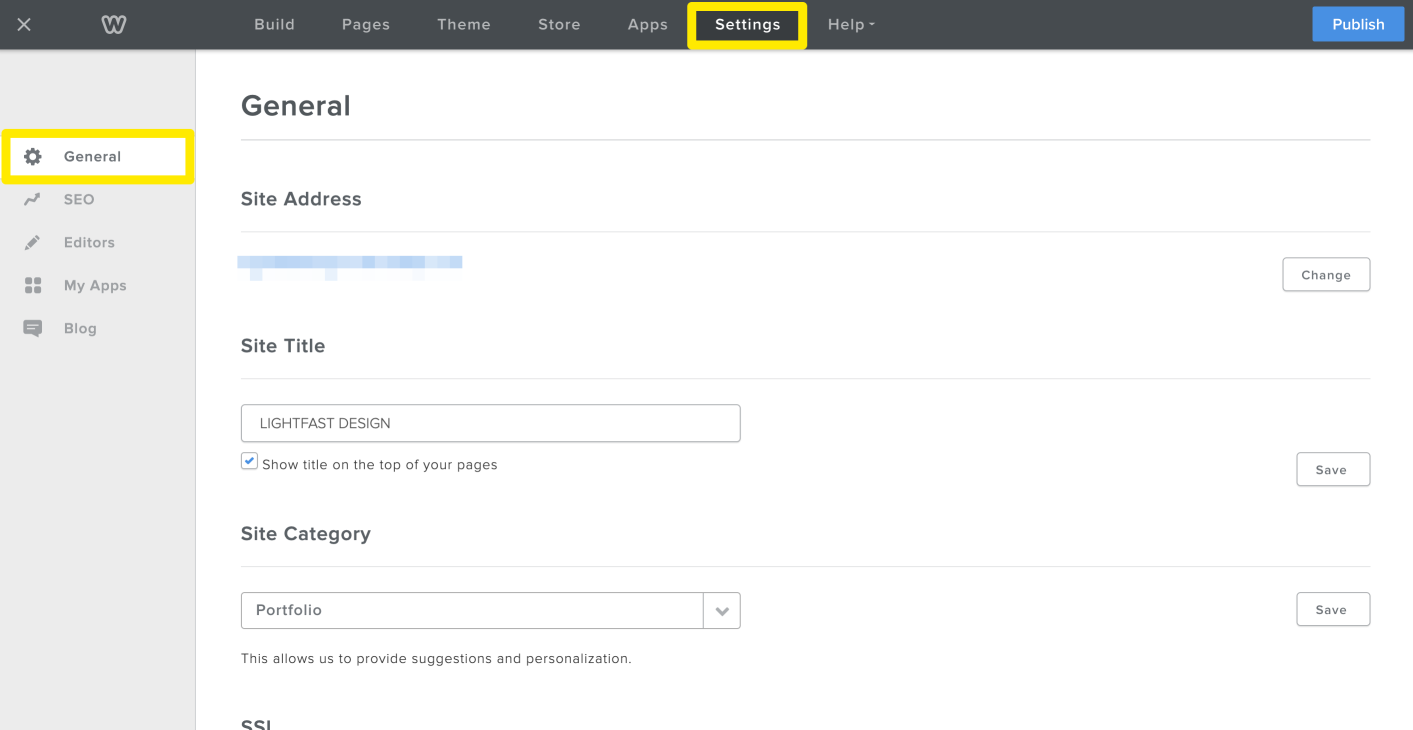
Site Title - Change the title of your website. This text is displayed at the top of your pages on your published site, though you can turn that off using the checkbox here.
Favicon - you can upload a custom favicon for your website.
Site Password - Here you can password protect your entire site, so that only people with the password can access your website.
Navigation - By default, excess pages in your navigation menu are grouped into a “More” submenu. You can turn this off here.
Archive - Download a zip file of your website for backup purposes.
Site Formatting - Configure the localization settings for your website.
Cookie Notifications - Set up or modify cookie notifications for your website.
Un-publish - Take your website offline for a while.
